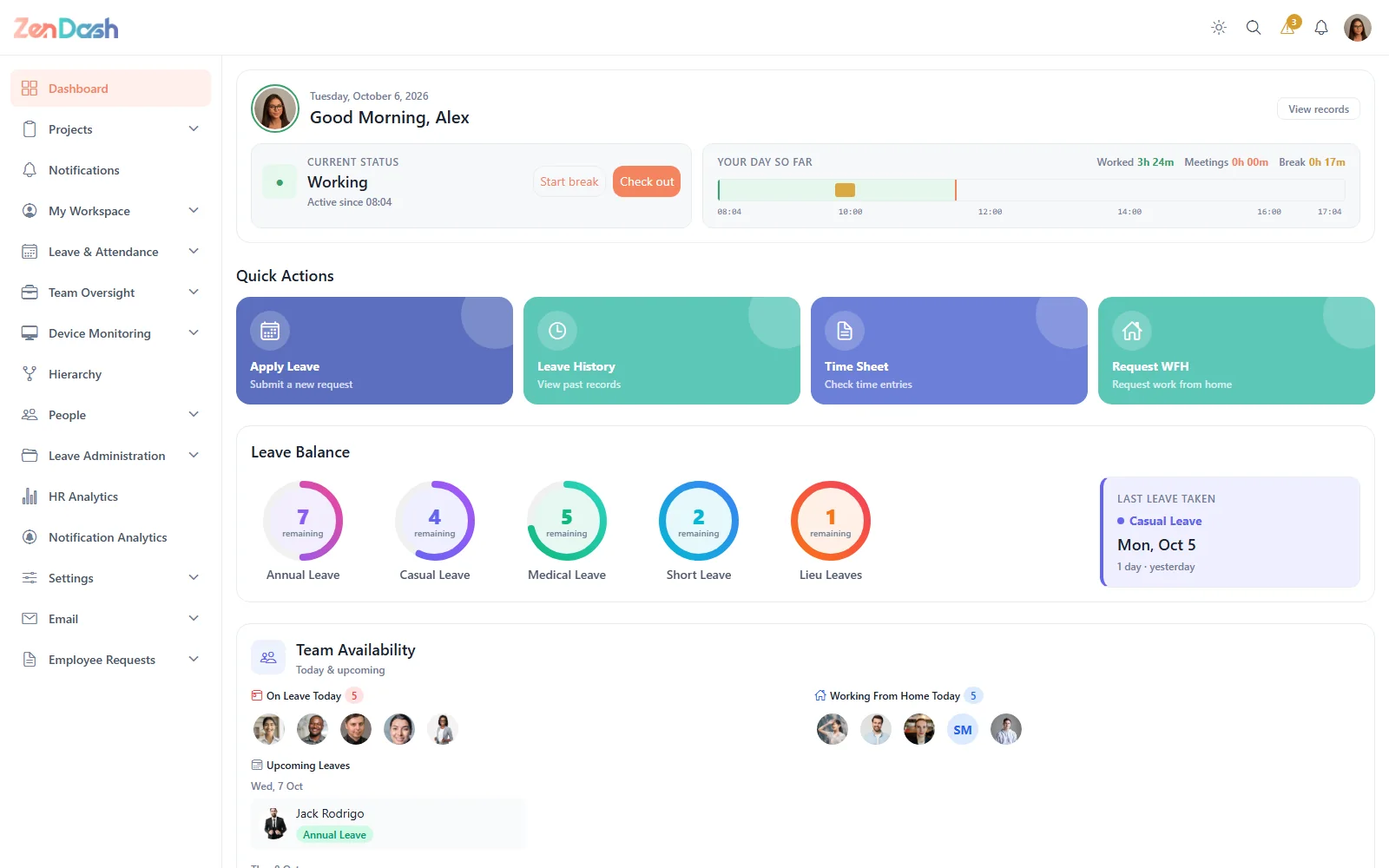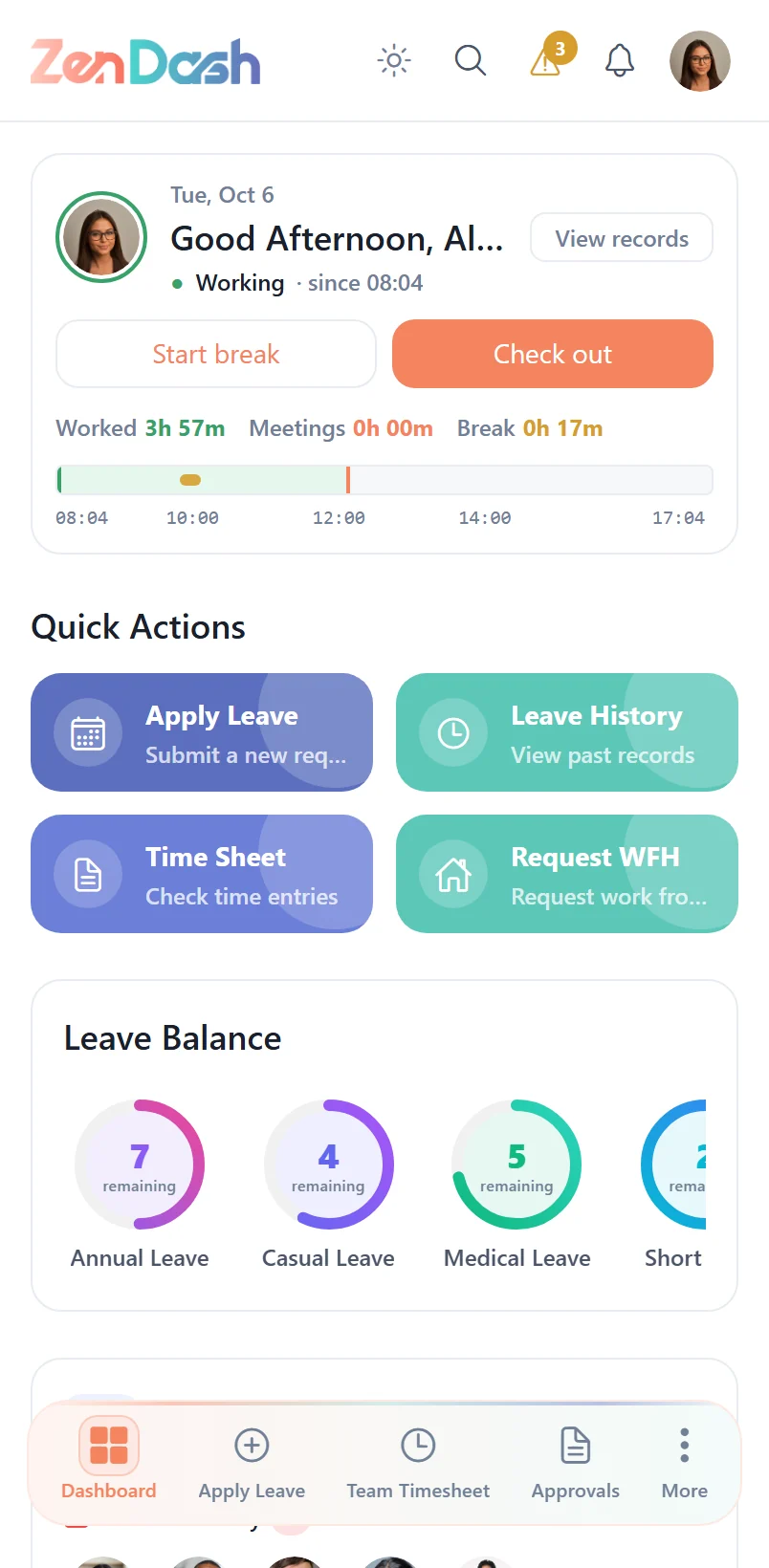
Secure Your Remote Workforce
Monitor activity, capture screenshots, and manage incidents while respecting employee privacy, giving your security team the visibility they need without overstepping boundaries.
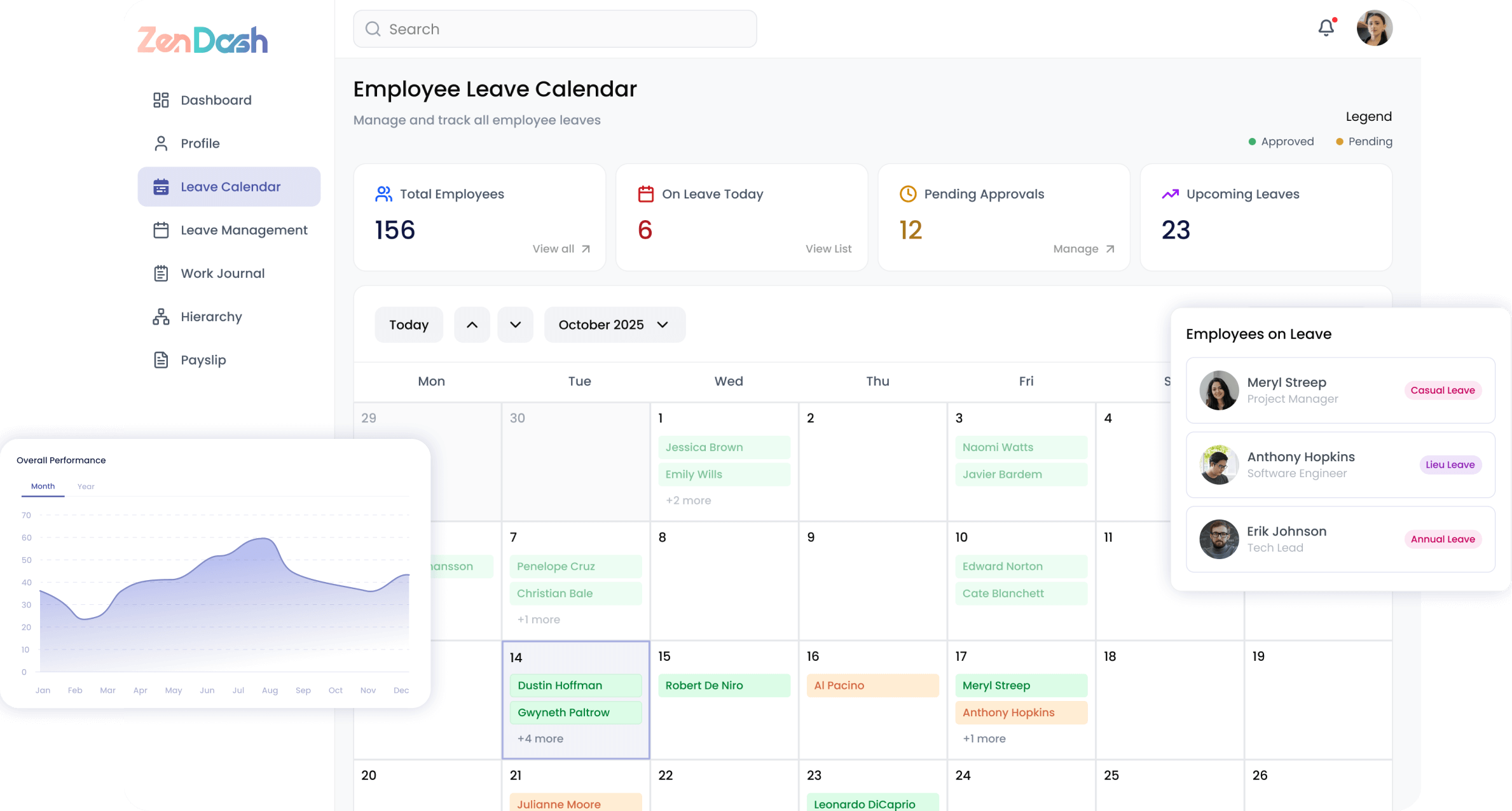
Activity Monitoring
Track employee activity with intelligent screenshot capture and detailed usage analytics to maintain productivity and security compliance.
- Automated screenshot capture with configurable timestamps
- App usage tracking organized by category
- Activity timeline with advanced filtering options
- Status distribution and trend analysis
- Multi-screen support for comprehensive monitoring
Incident Management
Detect, investigate, and resolve security incidents with a structured workflow that keeps your organization protected.
- Security alerts organized by severity level
- Alert categorization and filtering for fast triage
- Investigation notes and audit trail for each incident
- Escalation workflows with configurable rules
- Related alert grouping for pattern detection
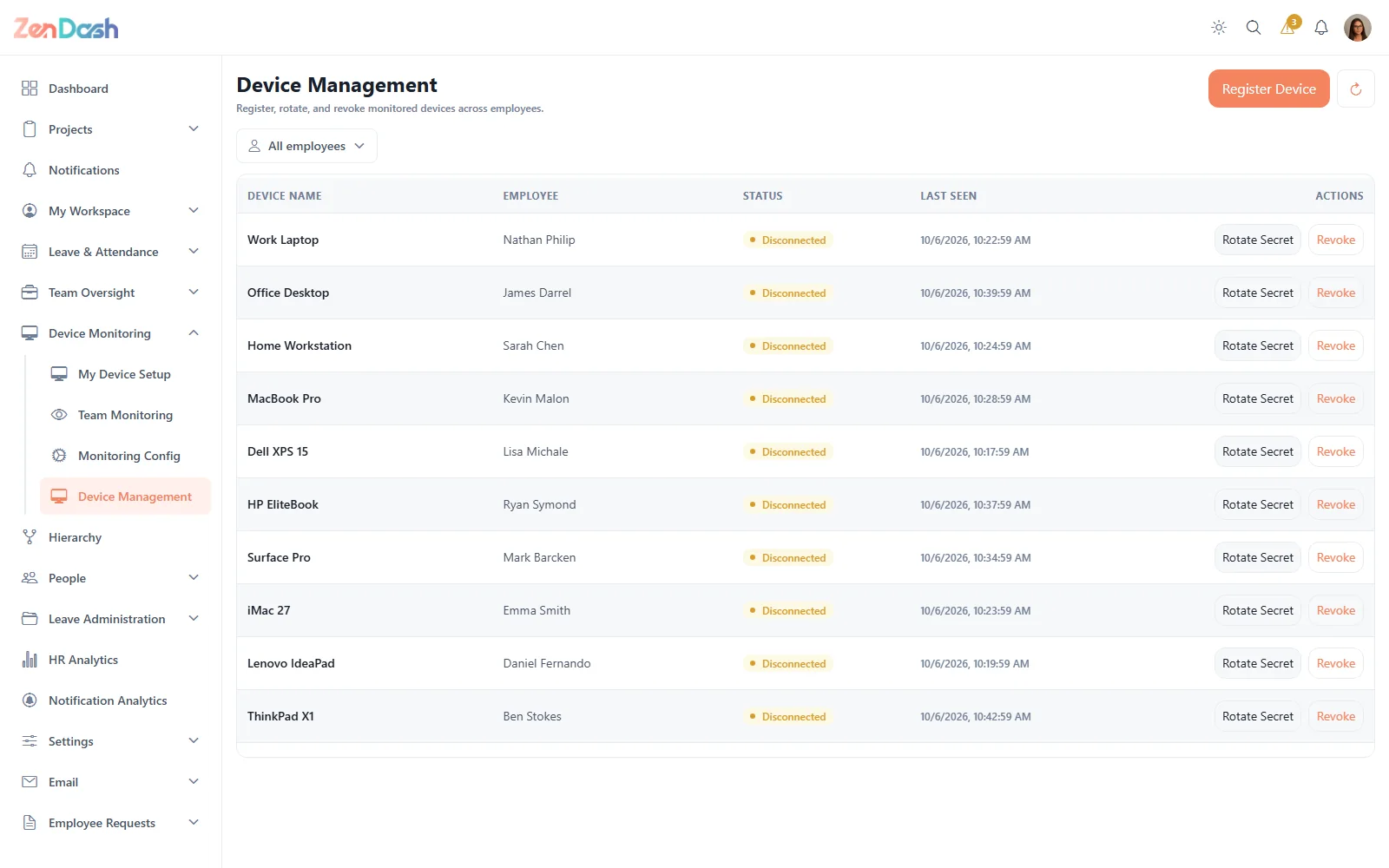
Device Management
Onboard, track, and manage every device in your fleet with real-time health monitoring and team-level dashboards.
- Streamlined device registration and onboarding
- Trust and health status monitoring per device
- Team monitoring dashboard for managers
- Device fleet overview with filtering and search
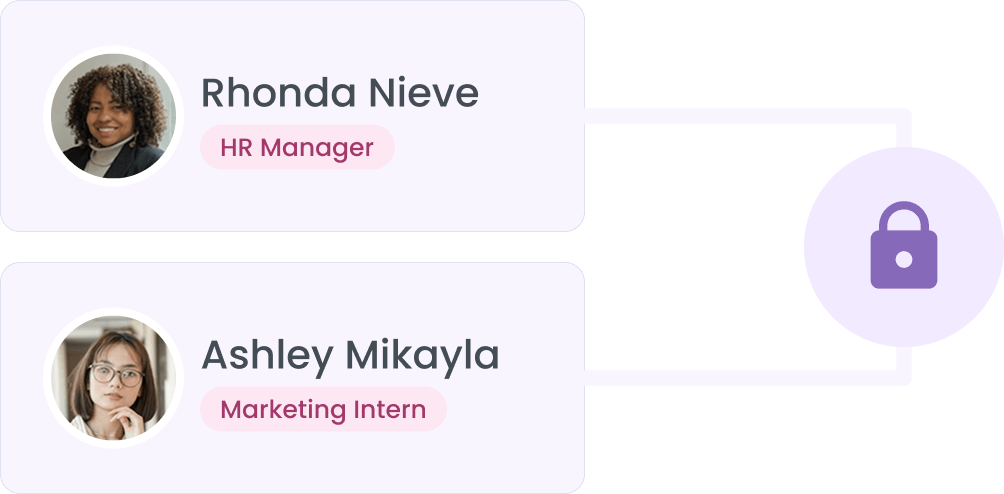
Security & Access Control
Enforce robust access policies with IP restrictions, multi-factor authentication, and configurable monitoring rules.
- IP groups with trusted ranges and geo-restrictions
- IP-based access restrictions for sensitive resources
- Multi-factor authentication via SMS and authenticator apps
- Alert configuration and custom monitoring rules
- Data retention policies with automated enforcement
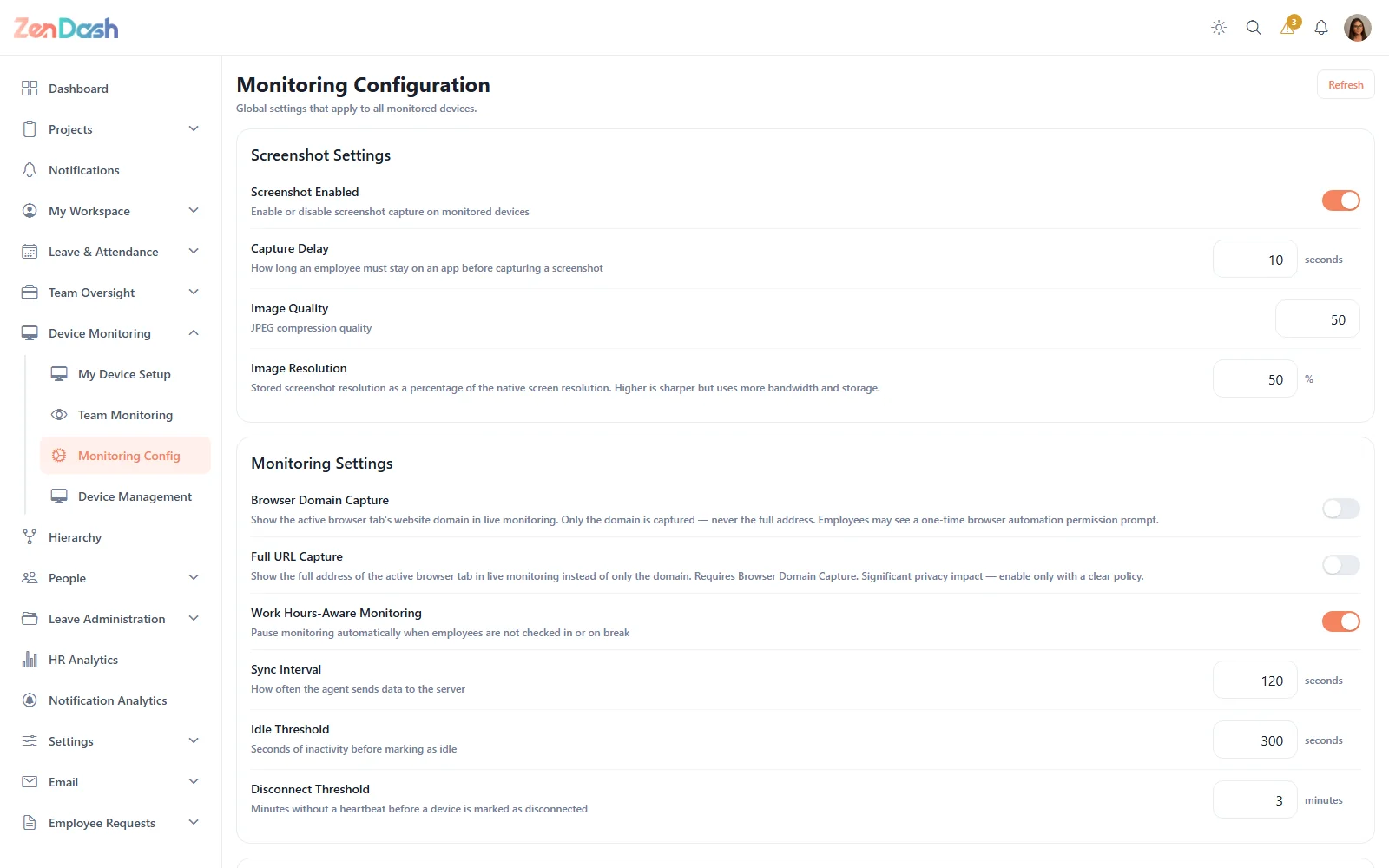
Monitoring You Can Tune
One place to decide what is captured, when and how often, so monitoring fits your policy and your people.
- Screenshot timing, quality and resolution
- Browser domain capture, or full URLs when you need them
- Work-hours-aware monitoring
- Idle, disconnect and sync thresholds
- Random spot-check screenshots
- Reset to recommended defaults at any time
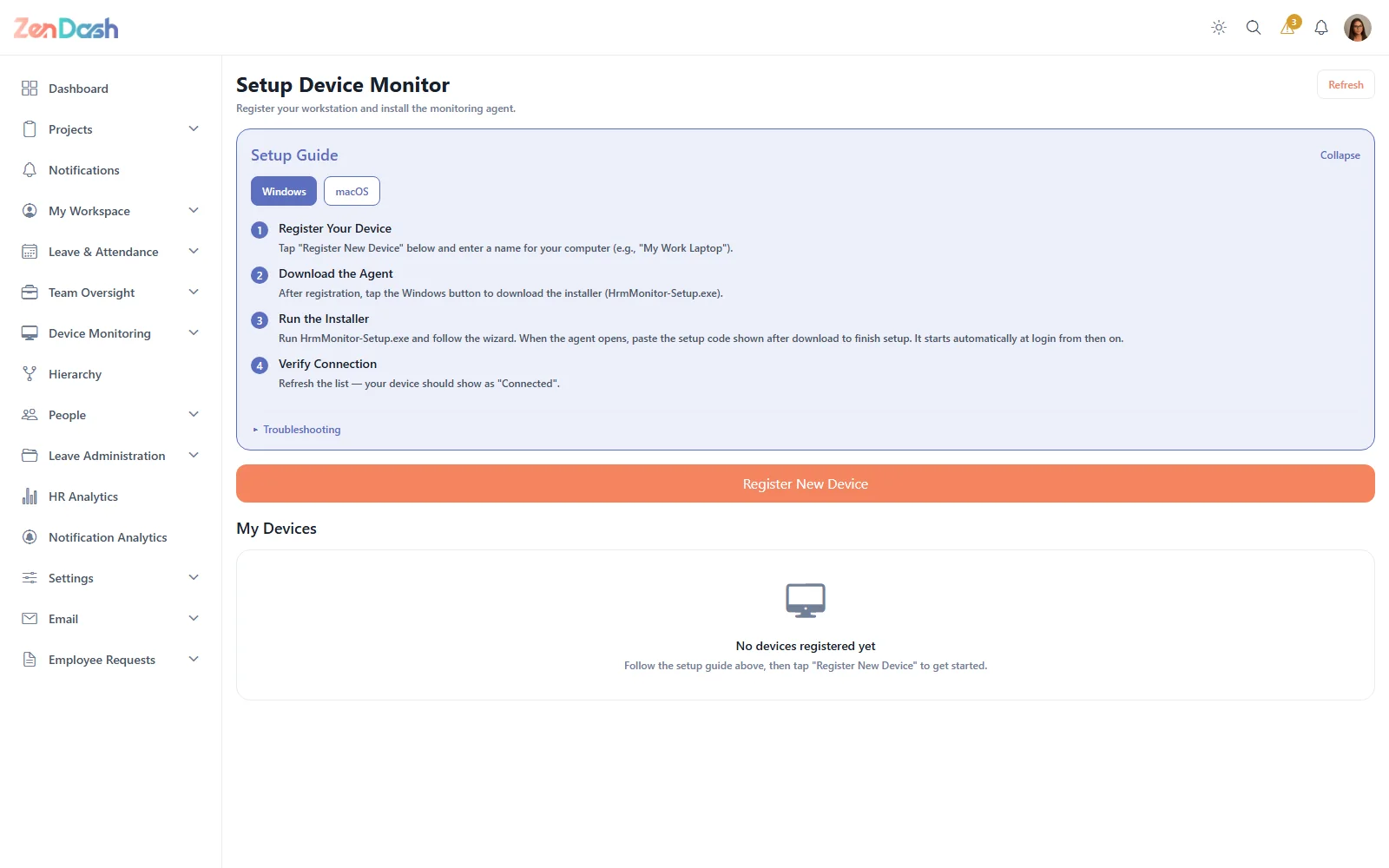
Self-Service Device Setup
Employees connect their own computers in minutes; admins stay in control of every device.
- Agent downloads for Windows and macOS with a step-by-step guide
- Automatic agent updates and a dashboard banner when an update is due
- Admins can register devices, rotate device secrets and revoke access
- Signed requests so only registered devices can report activity
Live Visibility, Built In
What managers see the moment they open Team Monitoring.
Live Team Dashboard
Online now, needs attention, critical alerts, average active time, not syncing and trust score at a glance.
Action Center
Alerts that need a decision, with dismiss, escalate and mark-reviewed actions.
Department Filter
Narrow the team view to a department and see each person's device, platform and agent version.
Active vs Idle
Daily active and idle time with website and app usage breakdowns per employee.
Real-Time Updates
The team view refreshes live as activity arrives, with no reloading.
Windows & macOS
A lightweight agent with signed macOS builds that keeps itself up to date.
Built for Every Role
Whether you're an employee, manager, or HR professional, ZenDash adapts to the way you work.
Employees
- Register and manage personal devices
- View own activity summaries and reports
- Understand monitoring policies and scope
- Self-service device setup and configuration
Managers
- View team activity dashboards
- Review screenshot galleries by employee
- Track app usage trends across the team
- Monitor team status distribution
Security Admins
- Manage security alerts and incidents
- Configure monitoring rules and data retention
- Set up IP restrictions and access controls
- Investigate and escalate alerts
Works Together With
Every module shares the same people and data, so you run your whole workforce from one place.